
⊰ Dynamite sticks clock ⊱
Whenever an idea pops into my head, my automatic response is “That’s not gonna happen.” I don’t have the time, the energy, etc. But this idea told me it would be useful, a clock, and easy to make ⛶, just a cylinder and a string.
Of course, it wasn’t easy. I don’t know why I never learn and keep believing them.
This is the third version of this clock that I’m making.
Clearly, it took much more time than I expected (for those who want the detailed complaint is below).
But in the end, I’m very happy with how it turned out.
There are two types since, choosing is for the weak. One with DYNAMITE in black, and the other ACME in white. The idea to add extra wires came from my little girl, no DNA test necessary.
Also, with my search history (see the photos), I’m definitely on the absolutely forbidden lists of intelligence agencies everywhere.
Instructions for setting the clock
at the bottom of this page ↓

Size 22×6 cm
⊲ Stages in the making [3] ⊳
-
![]()
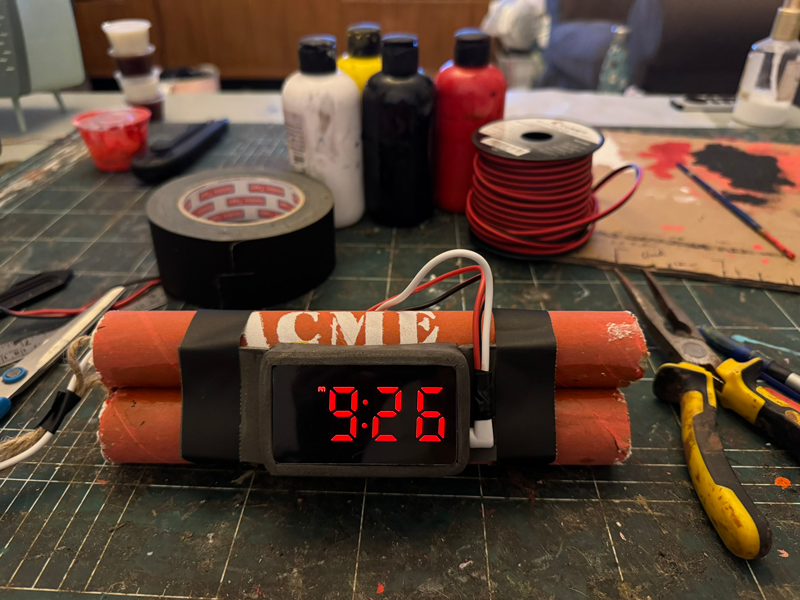
ACME dynamite sticks clock
-
![]()
Back side view
-
![]()
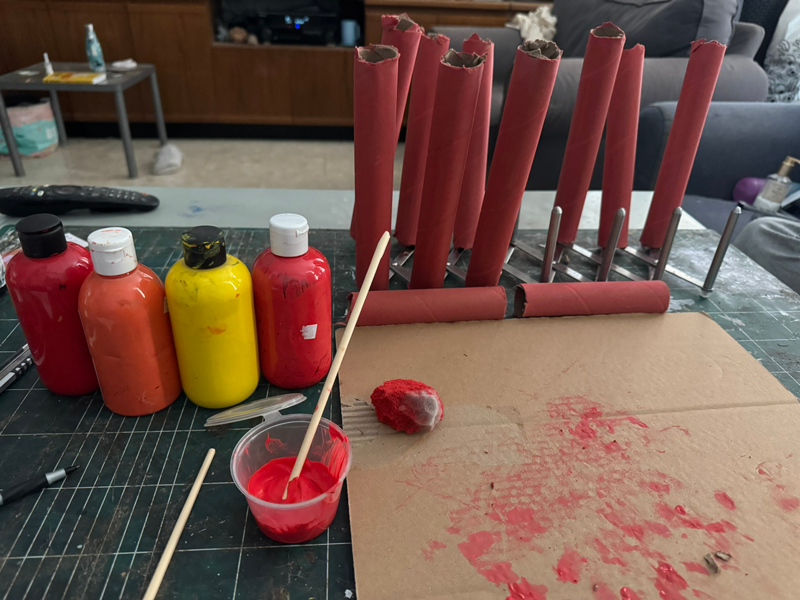
To achieve the proper hue

⊲ Related pictures [3] ⊳
-
![]()
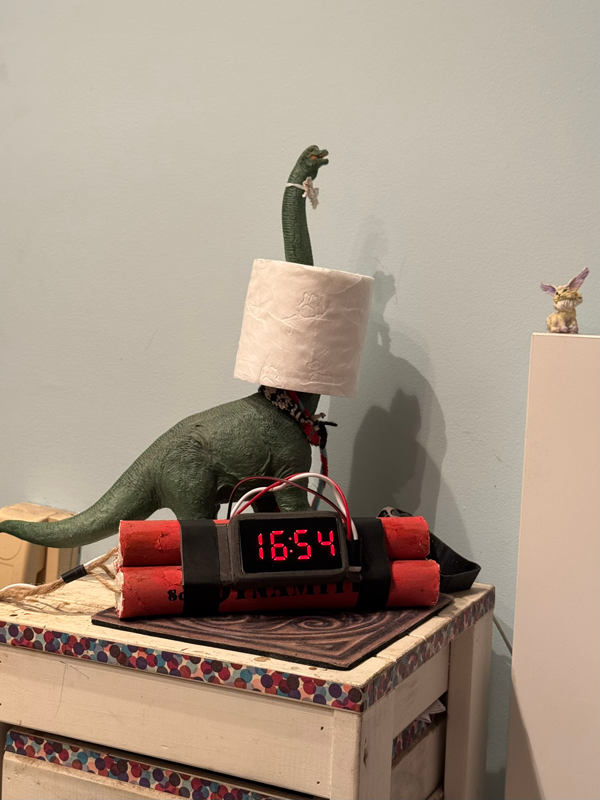
In its natural place next to the dinosaur
-
![]()
My incriminating search history
-
![]()
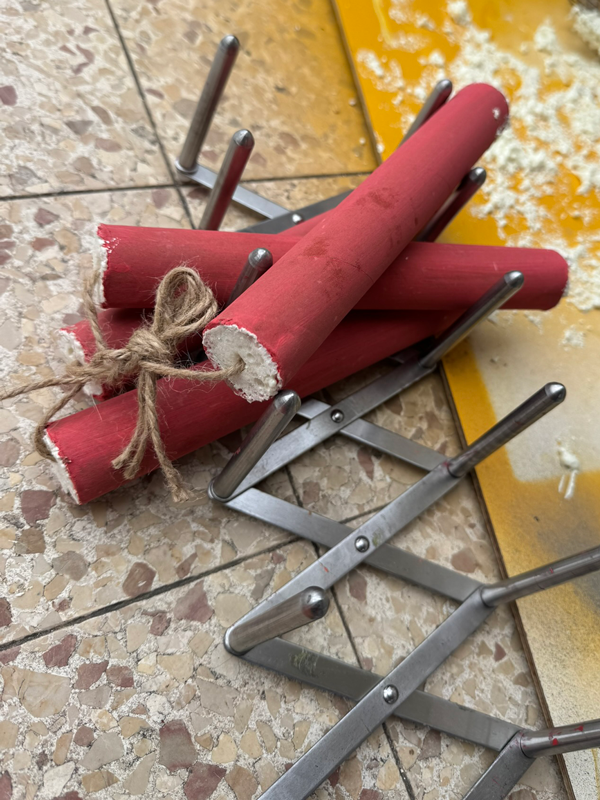
After filling

Complaint in detail:
Planning the right size, the number of dynamite sticks (previous versions were bundles of six, a pyramid, and seven, which was way too many), mixing the red, yellow, and orange shades.
This project surprised me with all kinds of small challenges: how to secure the fuse, which material to use for the filling, how to attach the smooth rectangular clock (I made a special frame), how to write the text (stencil), how to cut the cylinder, and more…
Even before that, I had to find, order, and receive a clock in the perfect size, with an ominous red light.
(↑ Go back up)
-
The buttons for setting the time and date are located on the back of the clock. To remove it from the flexible frame, first disconnect the charger on the right side of the clock.
-
While the time is displayed, press and hold the top SET button until it starts flashing.
Use:
▲ Middle button
▼ Bottom button
SET to switch between hours and minutes. -
While the date is displayed, press and hold the top SET button until it starts flashing.
Use:
▲ Middle button
▼ Bottom button
SET to switch between year, month, and day. -
Operating Voltage 5V
Backup Battery CR2032 3V
Size 22×6 cm -
Night Mode
The display brightness will automatically drop to half every day from 19:00 to 6:00.Display Modes
DP1 - Time 10 seconds, Date 2 sec, Temperature 2 sec
DP2 - Fixed display. Press the top SET button to toggle between time / date / temperature
DP3 - Pressing the top SET button will display temperature/date for 15 secondsSD - Power Saving Mode
The display will stay on for 15 seconds.Setting an alarm is not recommended, as the buttons are on the back of the clock and not easily accessible.
(↑ Go back up)